World Wide Web Consortium W3C
Leading the Web to Its Full Potential...
- International vendor-neutral consortium
- Evolution and interoperability of the Web:
for everyone, everywhere on every thing
- Operates from: MIT, ERCIM, and Keio
Web Accessibility Initiative WAI
- Accessibility support in W3C technologies
- Guidelines for implementing accessibility
- Methods for evaluating accessibility
- Conducting education and outreach
- Coordinating with R&D centers world-wide
What is Web Accessibility?
- Access to the Web by everyone
- Web accessibility includes:
- Web sites and applications
- Web authoring tools
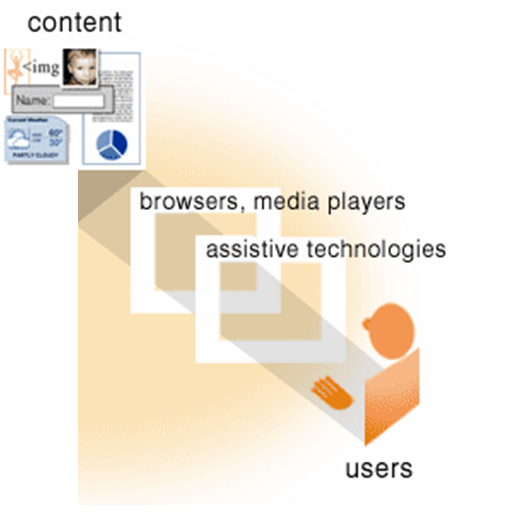
- Web browsers and media players
- Assistive Technologies
Why is Web Accessibility an issue?
- The Web is a key resource for:
- news, information, commerce, entertainment,
- classroom education, distance learning,
- job searching, workplace interaction,
- civic participation, government services
- Barriers impact a significant population
Examples of Barriers on the Web
- Inaccessible visual information
- Invalid Web site markup code
- Inconsistent or difficult navigation
- Improper usage of script events
- Uncaptioned multimedia files
Who is affected by Web Accessibility?
- People with:
-
- Visual, hearing, physical, cognitive, or neurological disabilities
- Aging related deficiencies
- Temporary or situational limitations
- Social or economical limitations
Benefits of Accessible Web Design
- Increase market share and audience reach
- Improve site efficiency and quality
- Demonstrate social responsibility
- Reduce legal liability
How to achieve Web Accessibility?
- Myth: responsibility of the Web developer
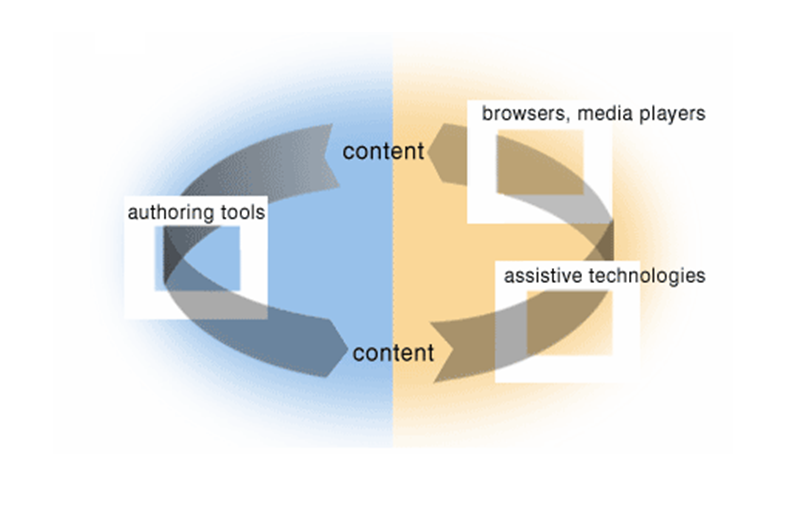
- Web accessibility depends on several components working together
- Underlying Web technology
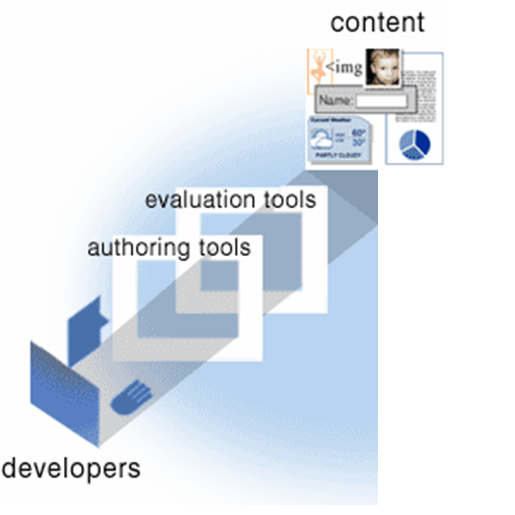
- Tools to produce Web content
- Tools to access Web content
What is Web Content Anyway?
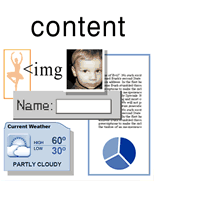
Any information in a Web page or Web application, including:
- natural information such as text, images, and sounds
- code or markup that defines structure, presentation, etc.
Web Developer Perspective
Web User Perspective
Dependencies Between Components
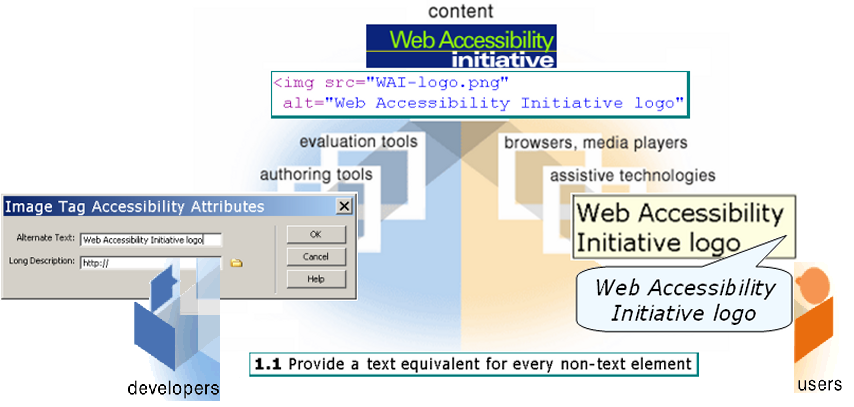
When Components Are Weak...
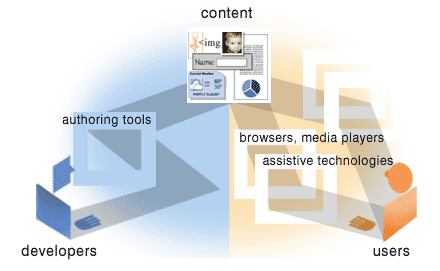
Sometimes other components can compensate through "work-arounds"
- require much more effort
- not good solutions overall
- often not implemented
Components of Web Accessibility
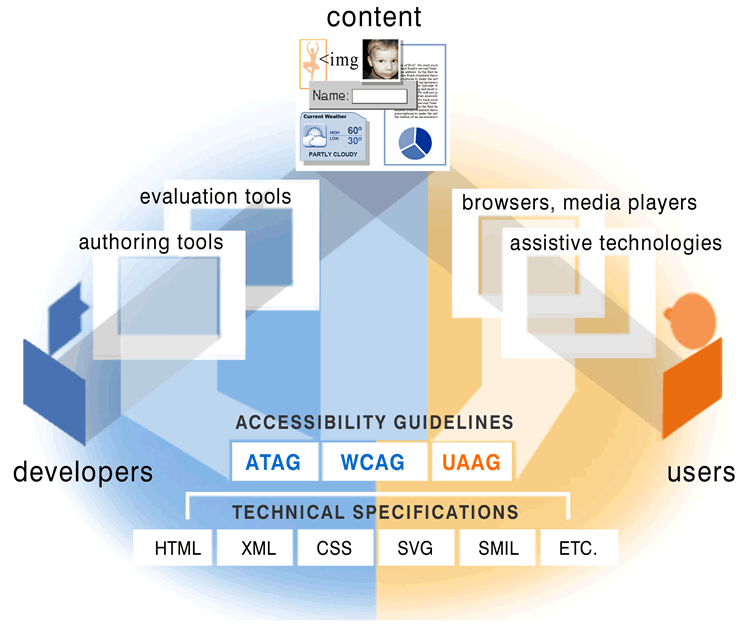
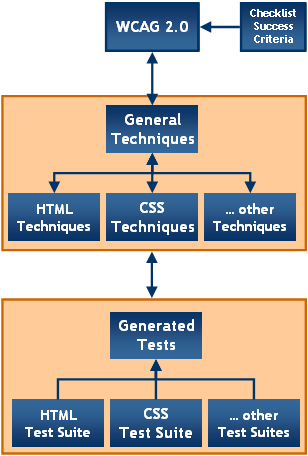
Web Content Accessibility Guidelines (WCAG)
- explain how to make Web content accessible to people with disabilities
- intended for all Web content developers such as page authors and site designers
- also intended for developers of Web authoring tools and evaluation tools
- WCAG 1.0 was approved in May 1999 and is the stable and referenceable version
Web Content Accessibility Guidelines 1.0
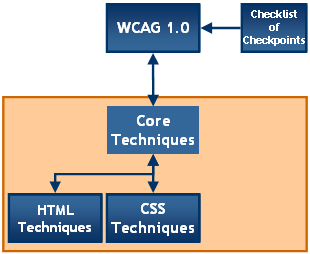
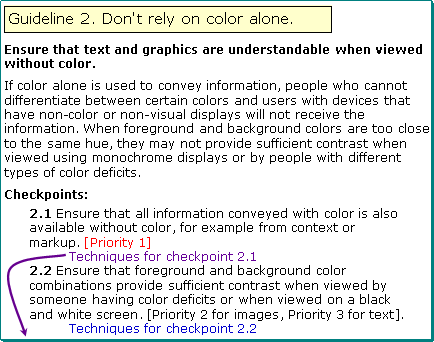
- 14 Guidelines define overall accessibility principles
- 65 Checkpoints devided into 3 Priority Levels
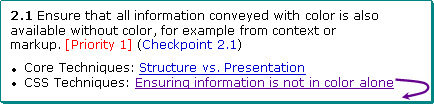
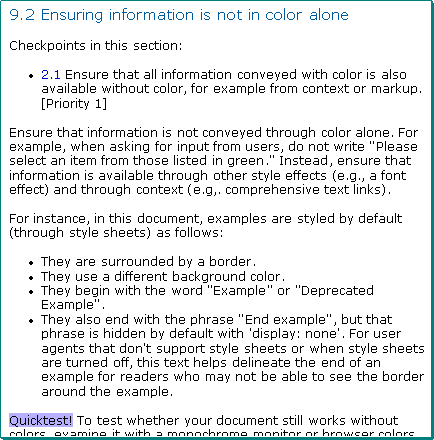
- Techniques describe technology-specific implementation
Web Content Accessibility Guidelines 2.0
WCAG 2.0 is organized around four design principles:
- Content must be perceivable
- Interface elements in the content must be operable
- Content and controls must be understandable
- Content must be robust enough to work with current and future Web technologies
Components of Web Accessibility
Putting it all Together
WAI-TIES Best Practices Training
On the 25 October, 2005 in Sankt Augustin, Germany
- for Web developers new to accessibility
- focus on evaluating Web accessibility
- no participation fees but limited spaces