Reviewing production OpenEXR files on the web for ML
Max Grosse, Principal Software Engineer DisneyResearch|Studios
Production images?
- OpenEXR files
- High resolution, 1080p and up
- Extended / High Dynamic Range
- 16-bit or 32-bit floating point
- Not only final composed color data
- Alpha masks
- Feature buffers from the renderer
- Error maps
- ...
Example Use Case: Denoiser
- Kernel-Predicting Convolutional Networks for Denoising Monte Carlo Renderings, Rousselle et al, ACM SIGGRAPH 2017
- Deep learning for denoising rendered images
- Suitable for production
Introducting: JERI.io
- The JavaScript Extended-Range Image Viewer
- HTTP server directly serves OpenEXR images with config
- Pure client-side app to decode EXR directly in the browser
- Thus, client receives original, unmodified pixels
- Like a very fancy, configurable,
<img>tag for EXRs
EXR on the web
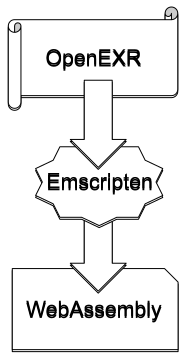
- OpenEXR compiled to WebAssembly
- Emscripten did the job
- Speed is fine for our use cases, in particular when caching
- Now we have EXRs in the browser!
Usable EXR on the web
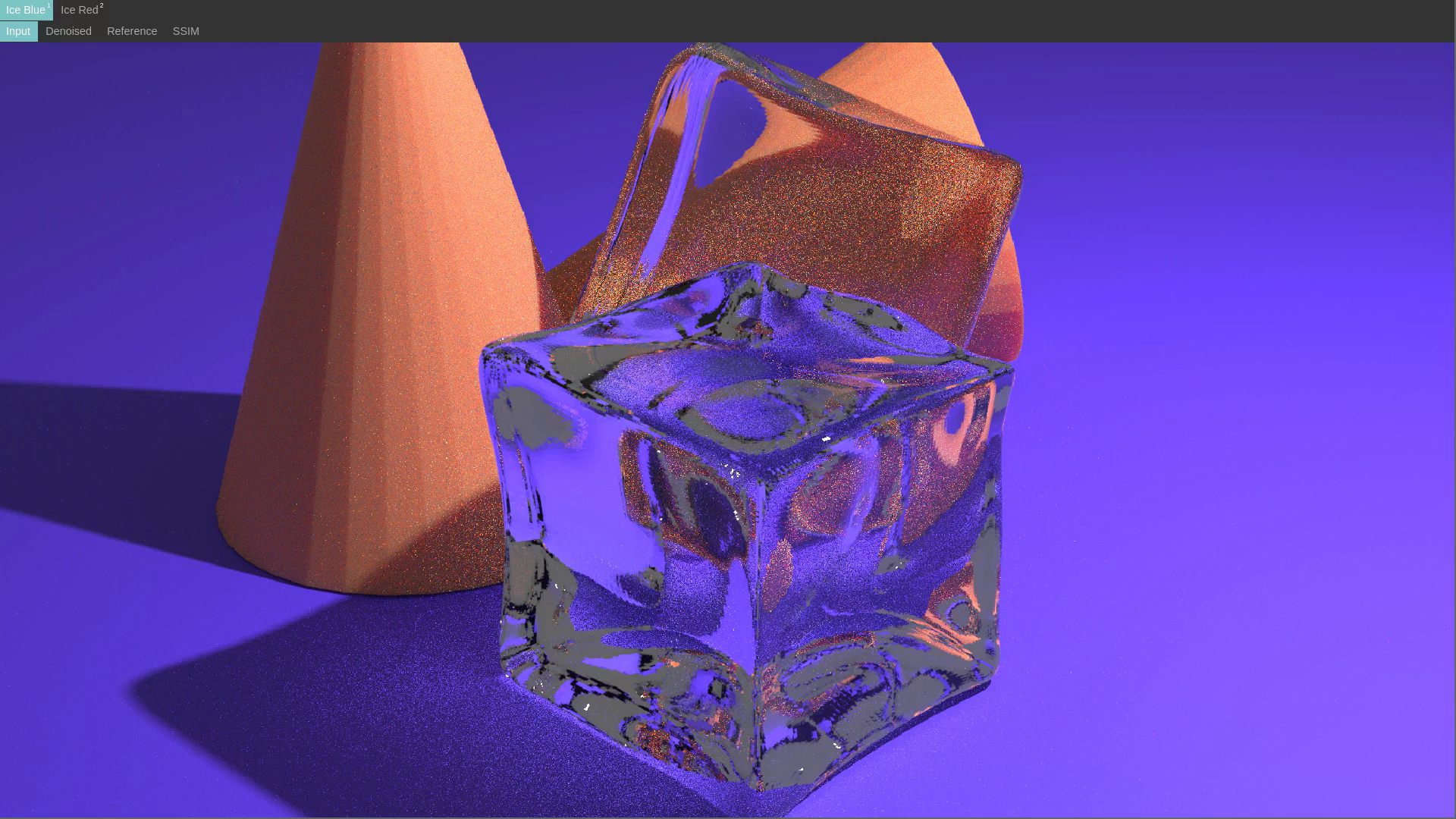
- Want to be able to change gamma, exposure
- Want to visualize error metrics and compare inputs
- Use WebGL for all image processing client-side
- Done in TypeScript with support for React.js
Configuration
- JSON to configure viewer
- Images to load and from where
- How to group these images
- Which metrics, images to compare
const config = {
  title: 'root',
  children: [
    { title: 'Improved', image: 'glass.exr' },
    { title: 'Reference', image: 'glass-ref.exr' },
    {
      title: 'SSIM',
      lossMap: {
        'function': 'SSIM',
        imageA: 'glass.exr',
        imageB: 'glass-ref.exr'
      }
    },
  ]
};
JERI Demo
Integration
https://jeri.io
Released as Open Source
Thank you
max.grosse@disneyresearch.com



no unauthorized copying or use